FRED
FREDPrint-ready STL files: 6 checks before selling a model
A 3D file can look right on screen and produce a part that is too small, fragile or impossible to assemble. Before listing the model, check its geometry and a physical print. These six checks help you prepare the file and discuss production with your workshop.
In this article
1. Check dimensions and units
STL does not store a length unit. After import, check the expected width, depth and height. A 10 cm part should appear as 100 mm in a tool set to millimetres.
Confusing inches and millimetres can introduce a factor of 25.4. Compare the displayed dimensions with your drawing and the available build volume.
2. Close the mesh
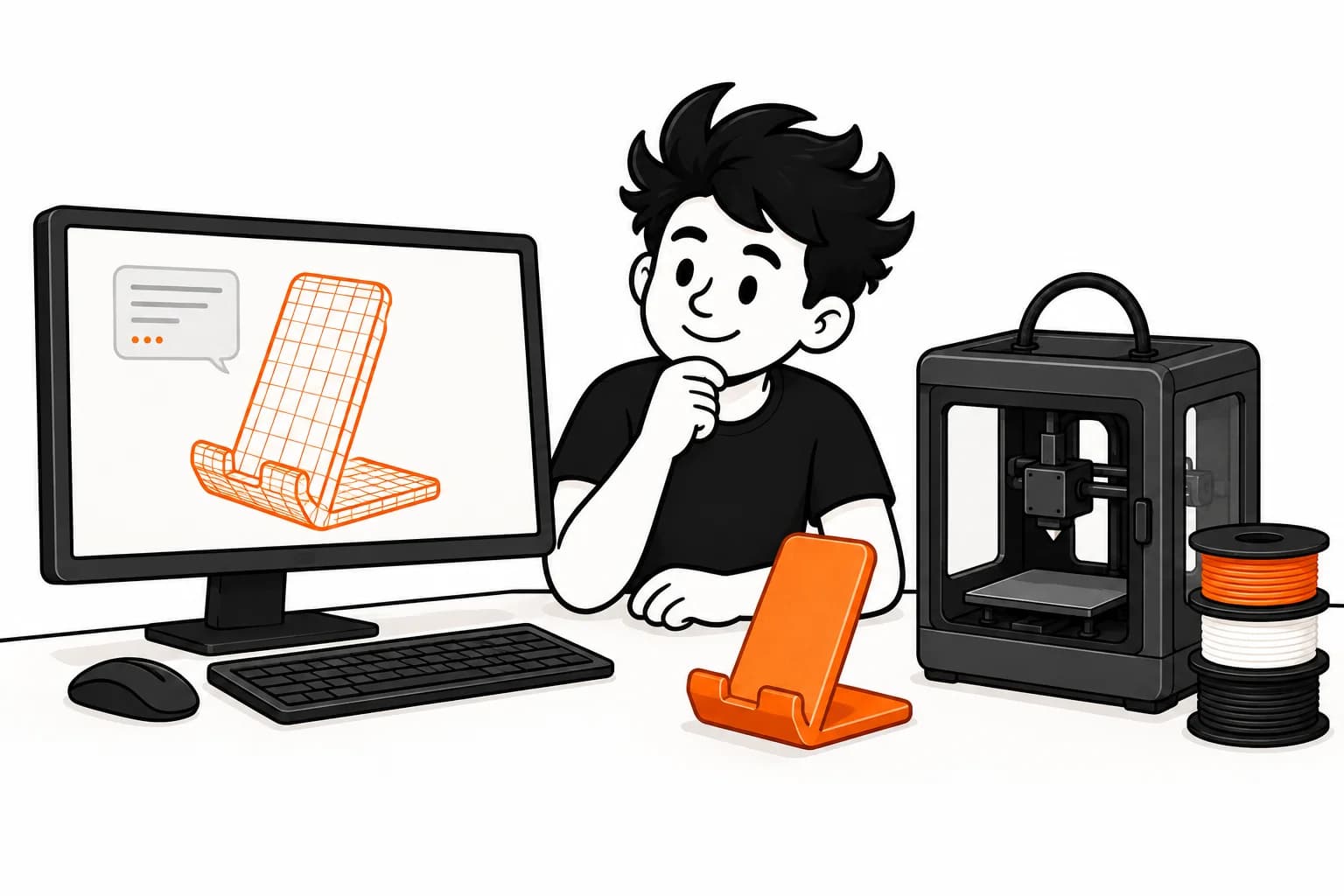
The slicer needs to distinguish the inside of the part from the outside. Look for holes, flipped faces, intersections and incorrectly shared edges. Repair defects in your design software or a mesh repair tool, then inspect the result.
File analysis in FRED helps identify anomalies. It does not replace a functional check: a closed volume can still be too thin or unsuitable for its intended use.
3. Inspect walls and small details
Suitable choices depend on the nozzle, material, orientation and loads the part will carry. In the slicing preview, look for disappearing walls, lettering that is too fine or areas with insufficient infill.
Avoid a universal rule such as “this thickness always works”. A decorative pot and a clip flexed during every use need different designs.
4. Choose orientation and plan supports
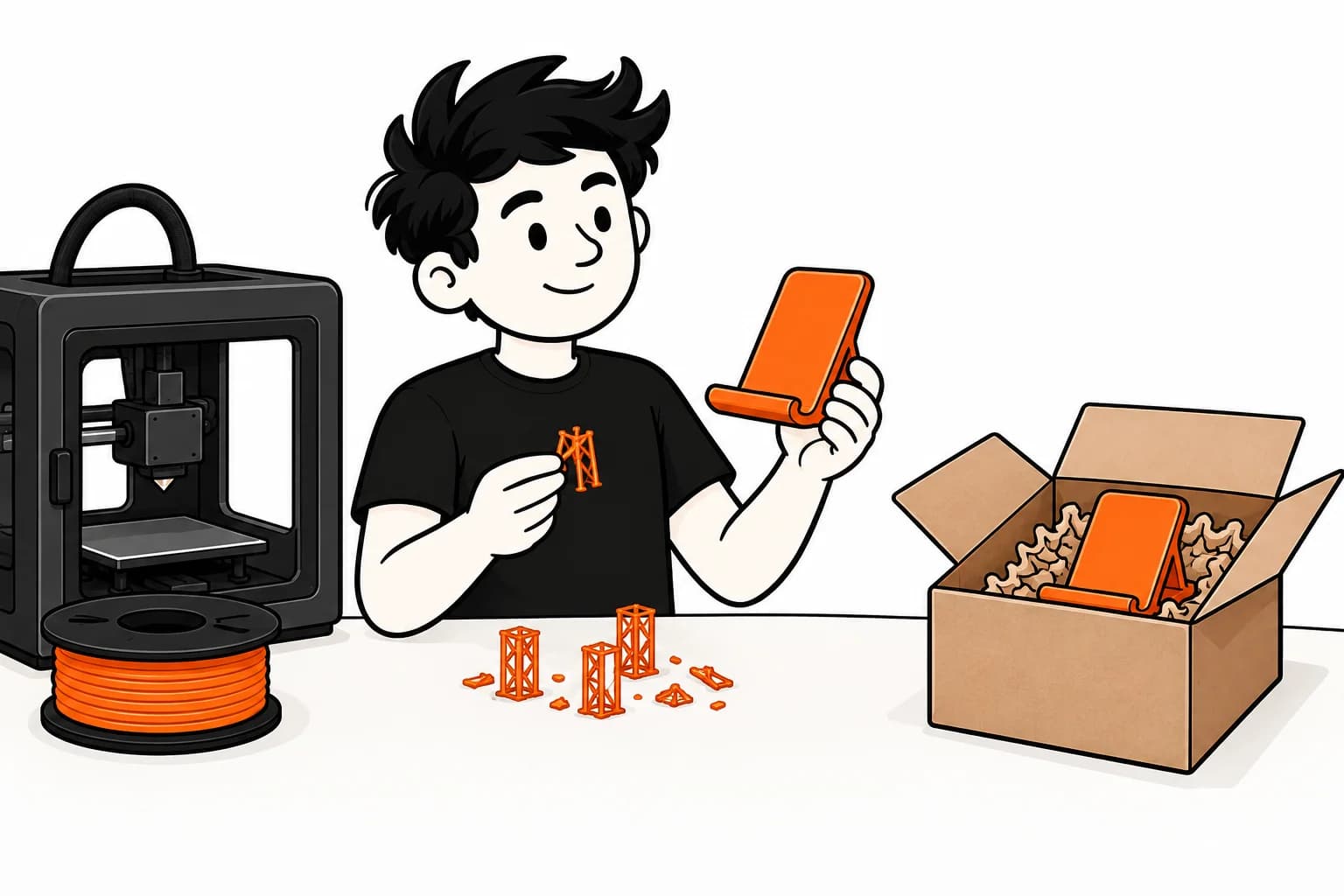
Orientation changes surface appearance, support requirements and strength relative to the direction of loading. Identify visible areas and mating surfaces before deciding how to place the part.
A chamfer or geometry change may reduce supports. Splitting the model can make printing easier but adds assembly. Compare the result and quote instead of assuming fewer supports always means a lower cost.
5. Test assembly clearances
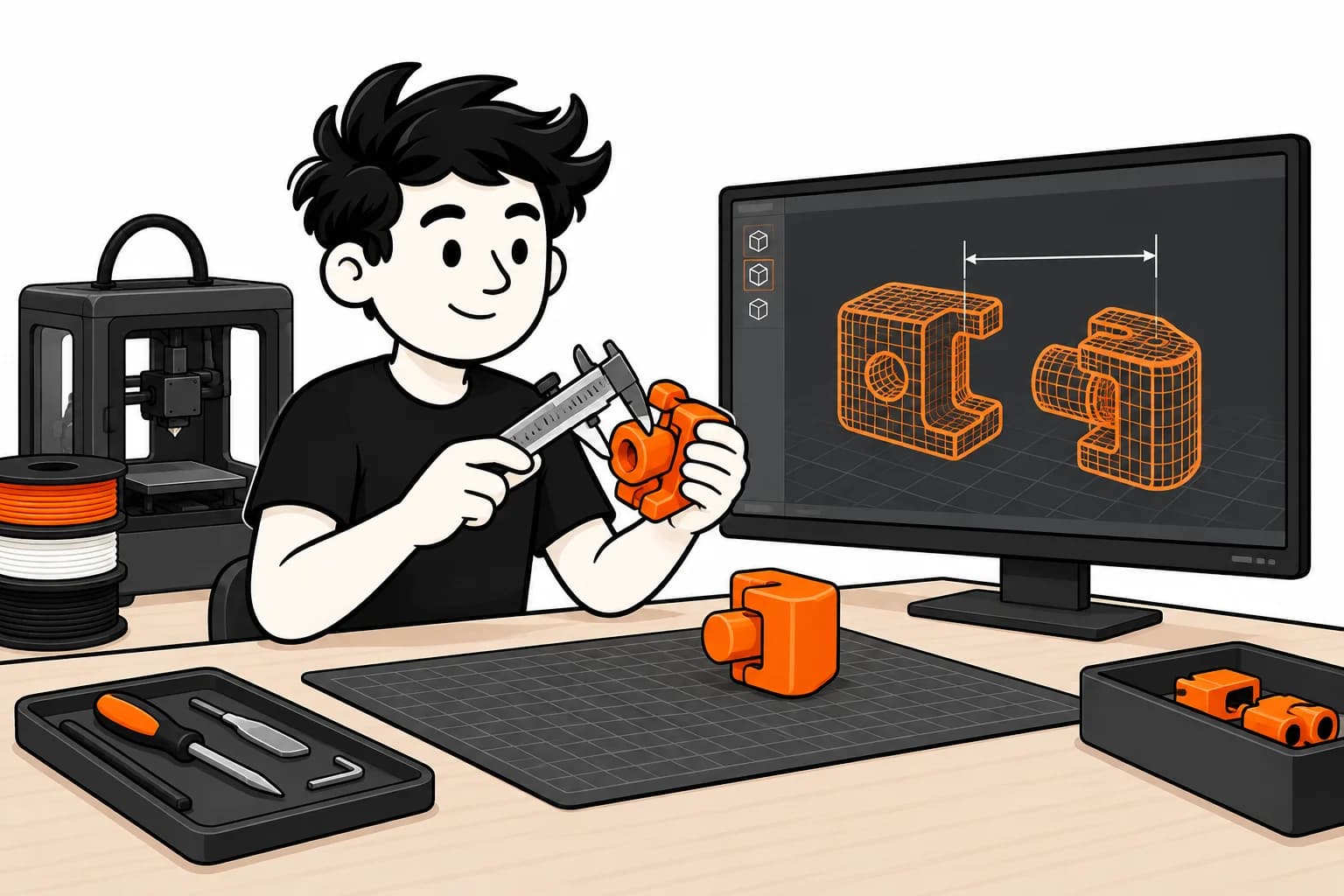
For two mating parts, prepare several small clearance trials with the chosen material and orientation. Decide whether the assembly needs to slide, snap together or remain removable.
Keep the dimensions of the approved version. A change of material or process may require another trial, even with the same file.
6. Approve a sample and keep its version
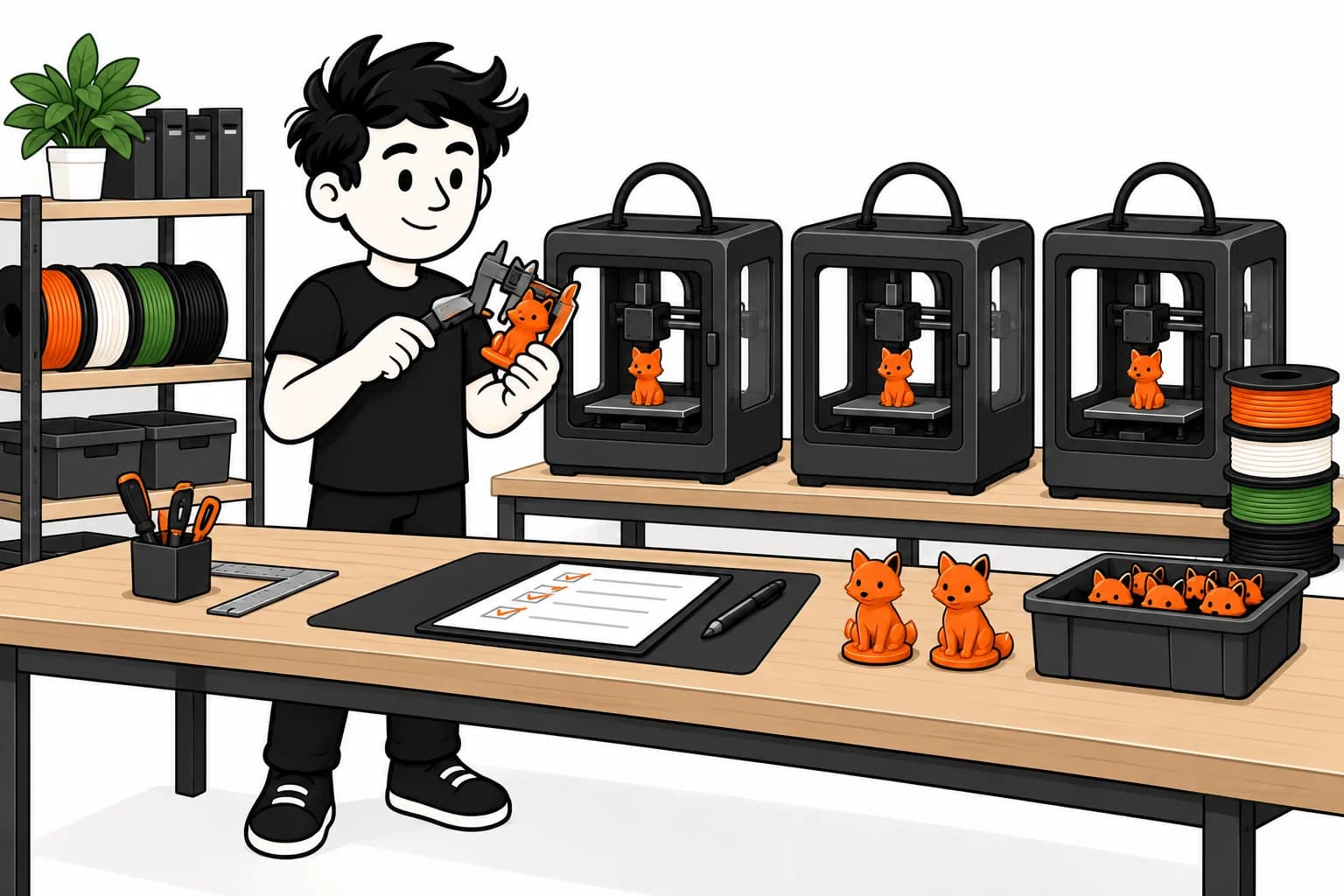
Inspect a real part: dimensions, finish, stability and function. Photograph the result and keep the matching file and configuration. This is the version to associate with the product you sell.
In FRED, review the quote and available previews before confirming. A new file or different configuration may require preparation again.
Ready to sell without inventory?
The beta is opening gradually. Sign up and we'll let you know when it's your turn.
Request access