FRED
FREDShopify and 3D printing on demand: connecting your store to FRED
FRED’s Shopify connector links your store to 3D printing on demand: prepare products, import orders and send shipping updates back. Its purpose is to simplify the journey from a sale to manufacturing without managing printers yourself. Using it requires installation and activation during the private beta.
In this article
1. Prepare a product in FRED
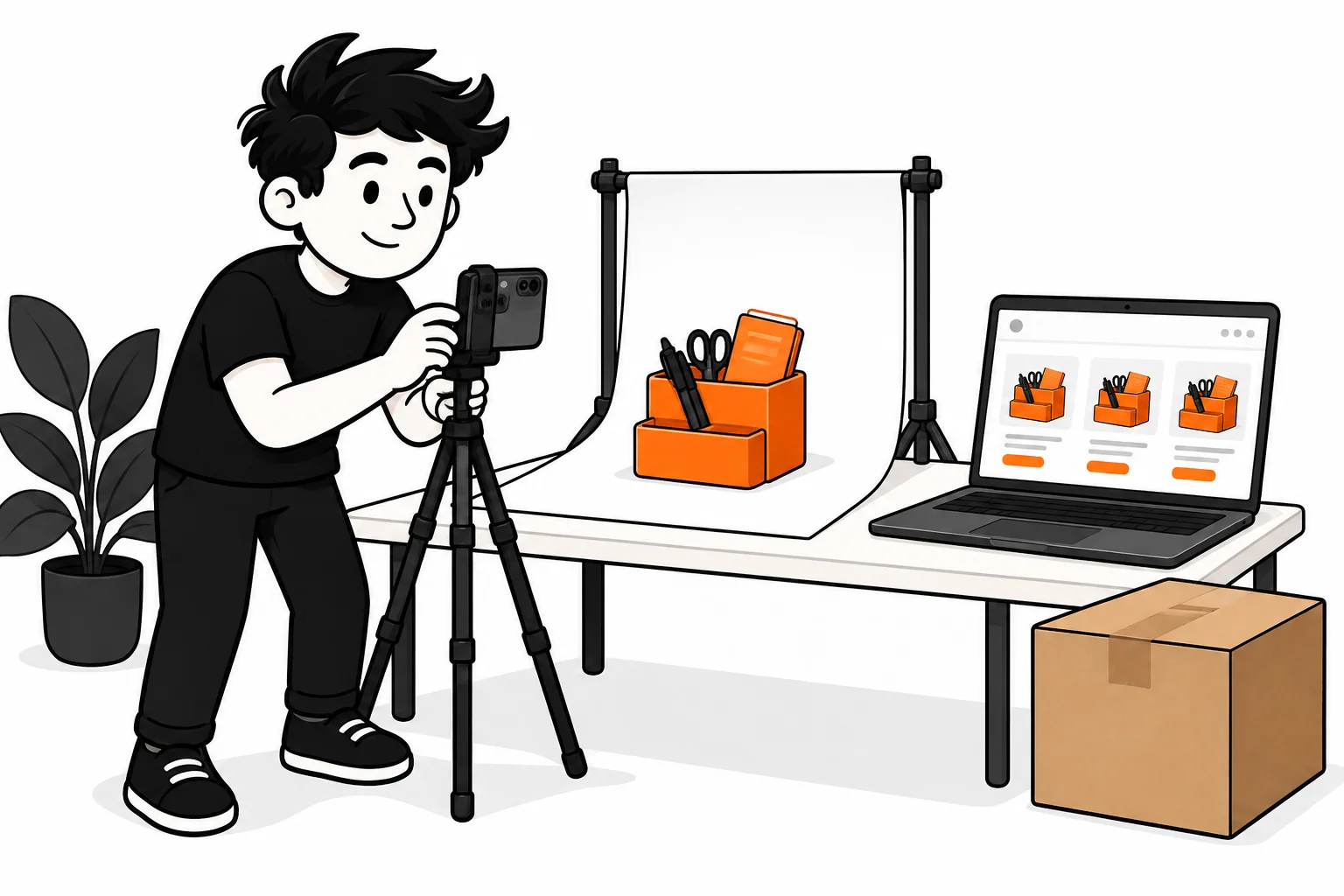
Start with a model you have the right to sell. Check the file, dimensions, material and colours, then manufacturing and shipping costs. A sample lets you check the physical result before presenting the product to buyers.
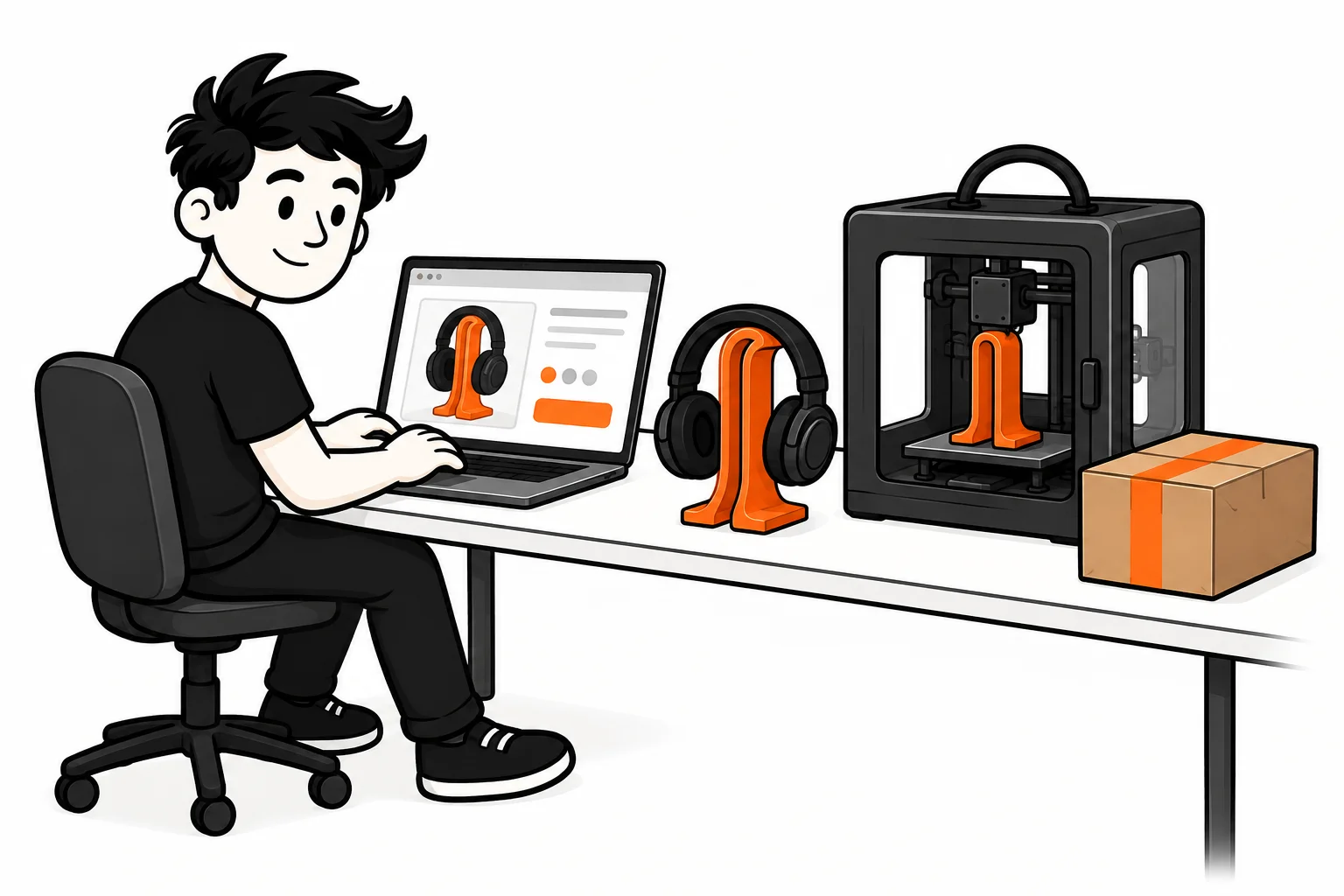
Example: for a headphone stand offered in several colours, map each sold variant to its corresponding manufacturing configuration. A colour name in Shopify does not replace that mapping.
2. Connect Shopify and review the product listing
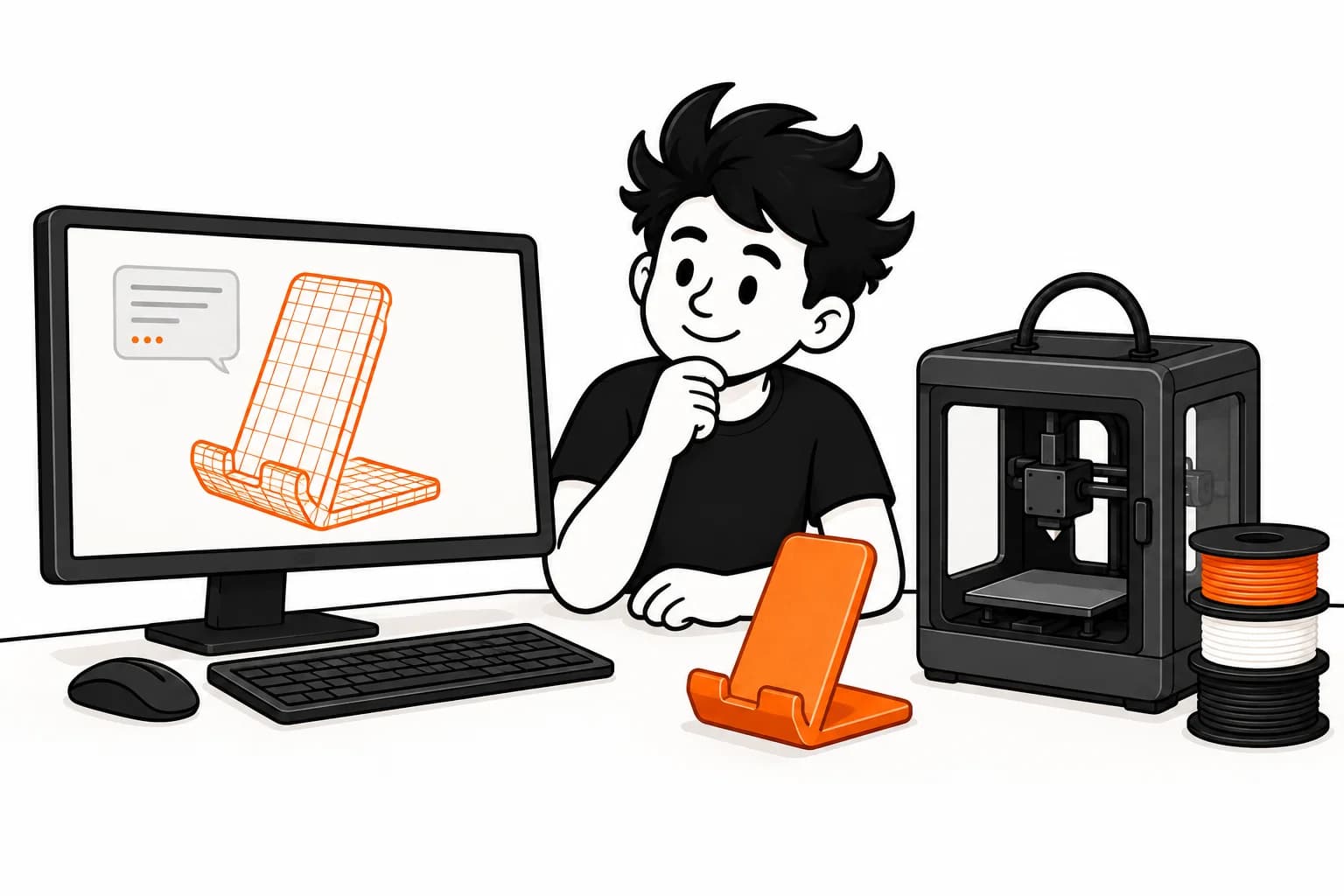
After installation and connection to your FRED account, the connector can publish an active product as a Shopify draft with its variants. Review the description, images, price and delivery conditions before making it available for sale.
Installation alone does not turn all existing products into FRED products. Check the mappings and workflow with a test order before opening sales to customers.
3. Check the order before manufacturing
The connector imports relevant order lines and prepares quotes. Manual review is the default; automation depends on account settings and limits. A customer’s payment in Shopify does not by itself replace payment to FRED for manufacturing.
No production offer or file is sent to a farm before the FRED charge is confirmed. Review files, quantities and addresses, especially when an order has changed.
4. Track the parcel and choose other integrations
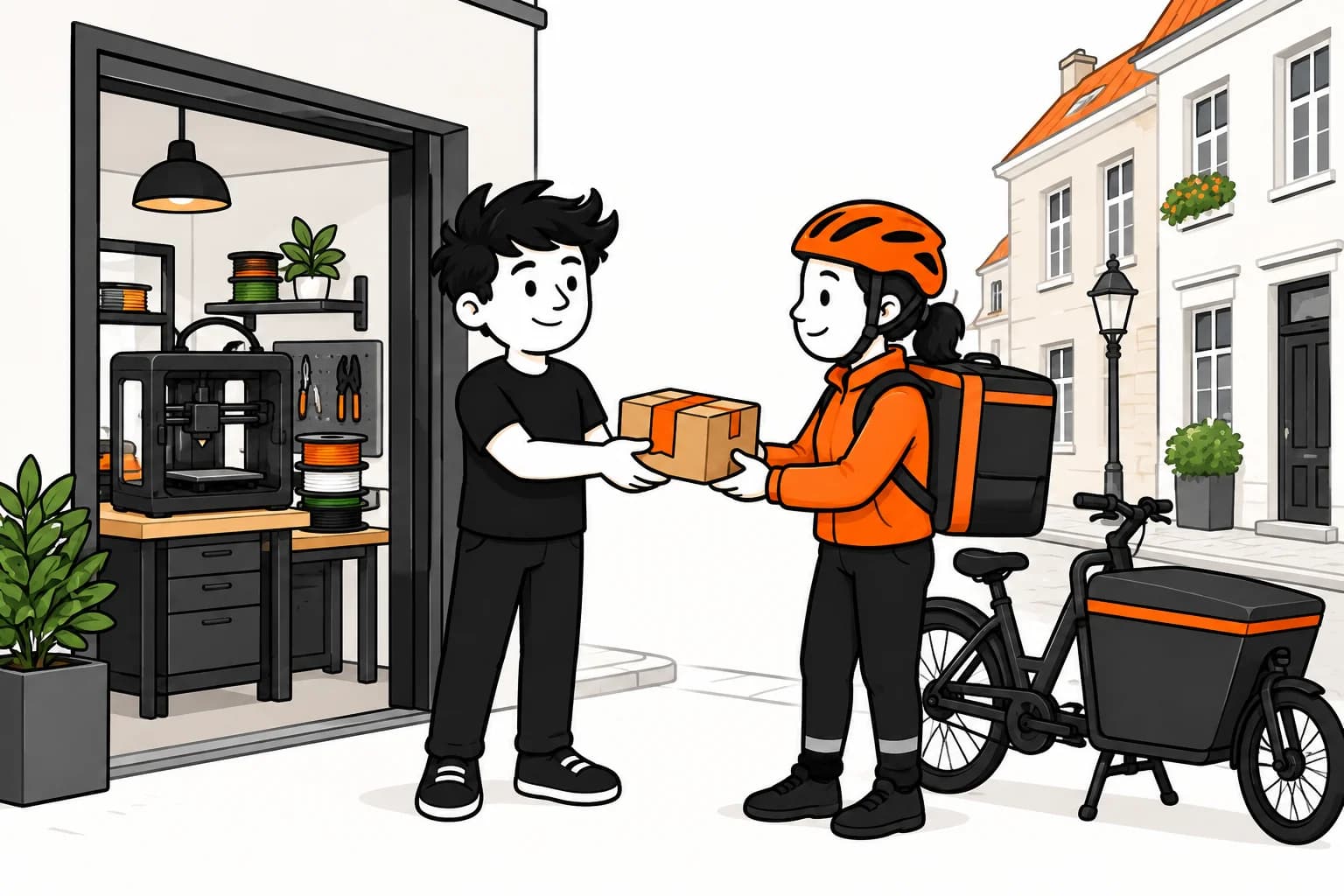
The connector matches shipped quantities to parcels and passes tracking back to Shopify. For a custom website, the FRED API enables a tailored workflow; MCP connects an AI assistant to the customer account. Etsy and WooCommerce are announced as coming later.
Ready to sell without inventory?
The beta is opening gradually. Sign up and we'll let you know when it's your turn.
Request access