FRED
FREDSelling 3D prints without inventory: prepare your first store
You want to sell a desk organiser, a stand or a decorative object without turning your living room into a workshop. An on-demand manufacturing partner can make that possible. Your work is still to choose the product, check its quality, prepare the listing and look after customers. Here is where to start.

In this article
1. Choose a specific use
Start with a simple problem: managing desk cables, holding a headset or organising small accessories. Describe who will use the object, where it belongs and which dimensions matter. That gives you a more useful listing than a collection of keywords.
Use your own model or check that its licence permits selling printed objects. For a catalogue model, read its usage terms before listing it in your store.
2. Order and photograph a sample
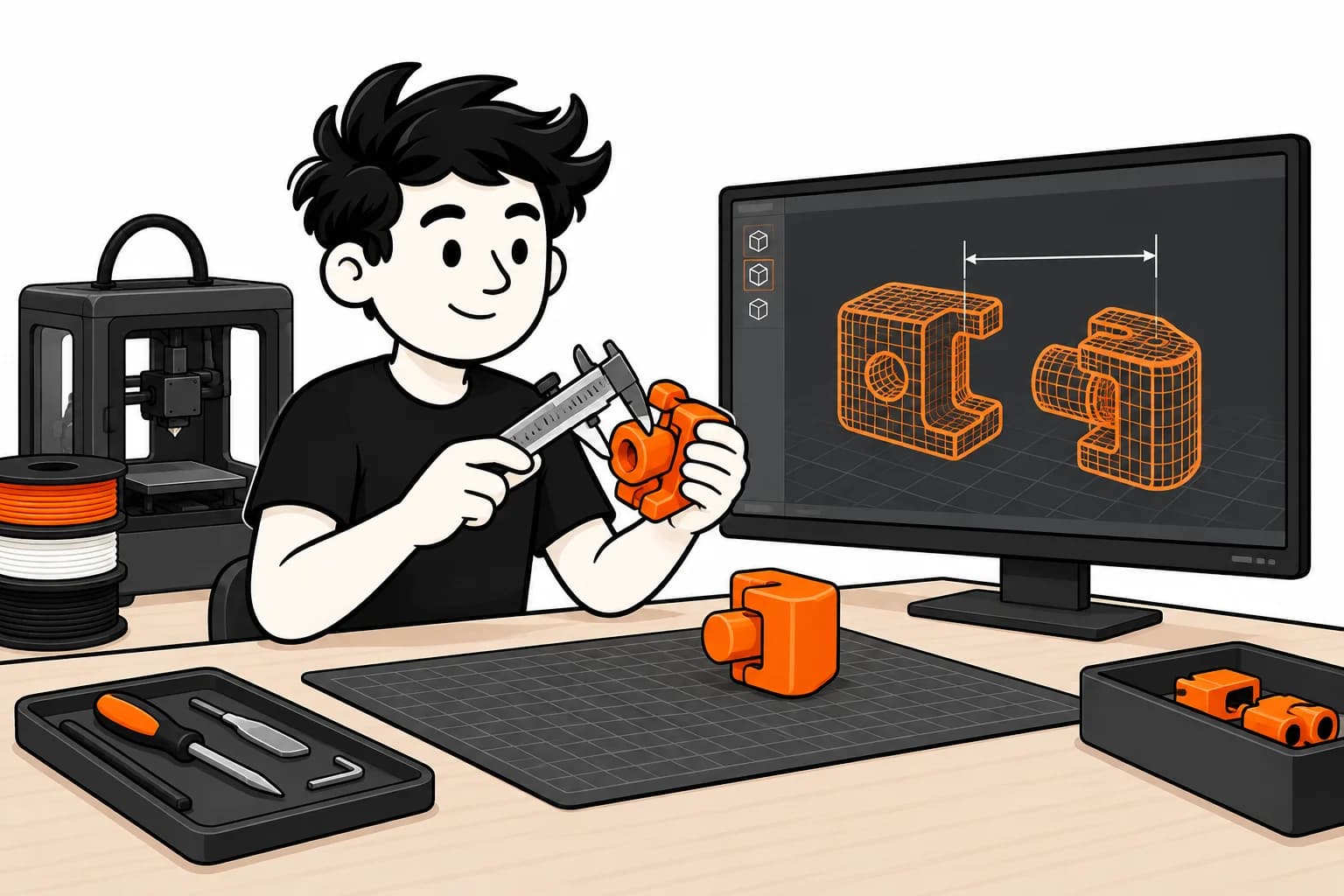
Check size, stability, assembly and finish in your chosen material. Photograph the actual part: an overall shot, a surface detail and a view in use give customers concrete reference points.
State the dimensions and what is included. For a headphone stand, explain whether the headphones in the photos are only there to illustrate its use. Show the print layers instead of hiding them.
3. Calculate what remains from each sale
Start with the FRED quote for the configuration you sell, then include store fees, payment costs, design, samples and after-sales support. Check who pays for shipping and when payments reach you.
Without finished inventory, you avoid buying a full batch up front. You still have expenses before the first sale. Run the numbers for just a few orders, not only for your hoped-for volume.
4. Connect sales to manufacturing
For Shopify, the FRED connector prepares products and imports orders after installation and beta activation. Check variant-to-file mappings; manual order review is the default. A payment received in Shopify does not replace payment to FRED for manufacturing.
The Etsy integration is announced as coming later. An Etsy sale therefore does not automatically trigger a FRED order. For another store, arrange order transfer through an available workflow or an API integration.
5. Promise a lead time you can meet
The order goes through preparation, printing, inspection and transport. Use the conditions offered for your destination instead of copying another store’s lead time. Send tracking at dispatch and keep order references to handle customer enquiries.
Ready to sell without inventory?
The beta is opening gradually. Sign up and we'll let you know when it's your turn.
Request access